Algorithm Options Explained for HashCash
- Extension Page: Captcha - HashCash
The Captcha - HashCash plugin (v5.6.3+) for Joomla provides six hashing algorithms to power its invisible proof-of-work (PoW) system. This privacy-focused tool blocks bots and spam on forms such as contact pages, registrations, and comments. It avoids visible puzzles or third-party trackers. The plugin runs computations in the user's browser using JavaScript and the Web Crypto API. Humans experience smooth interactions. Automated attacks face high costs.
Tracking Spam Bots Like a Pro with GA and HashCash
- Extension Page: Captcha - HashCash
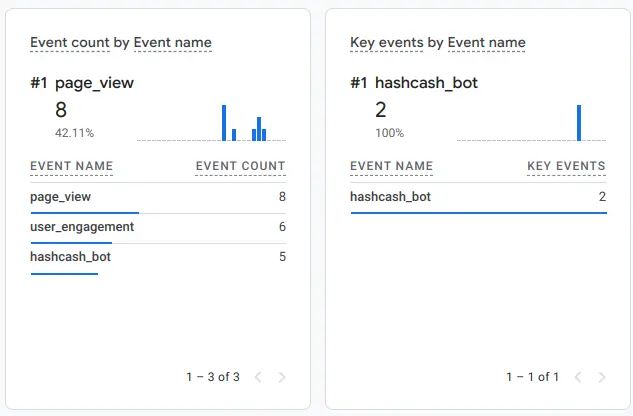
Forget bots vanishing after a failed attack. With Captcha - HashCash’s latest feature, every stumble turns into a clue you can track and outsmart. This isn’t just a CAPTCHA—it’s a bot-hunting machine that transforms your Joomla forms into a security goldmine. Imagine knowing who’s attacking, how they’re doing it, and where they’re hitting—all without bothering your users. That’s Detection Profiling, and it’s your key to staying ahead.
Read more: Tracking Spam Bots Like a Pro with GA and HashCash
Where is the ASIN or ISBN?
- Extension Page: Content - Amazon Product Advertising API
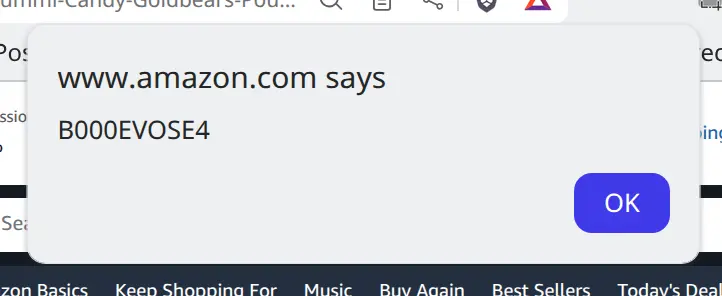
If you're using the RicheyWeb Content - Amazon Product Advertising API plugin, you'll know that it REQUIRES one key piece of information to be present in EVERY tag. That information defines which product you want to display and can be either the ASIN (Amazon Standard Identification Number) or the ISBN (mainly used for books/print publications).
Build a Native Login Popup Using Only Core Joomla
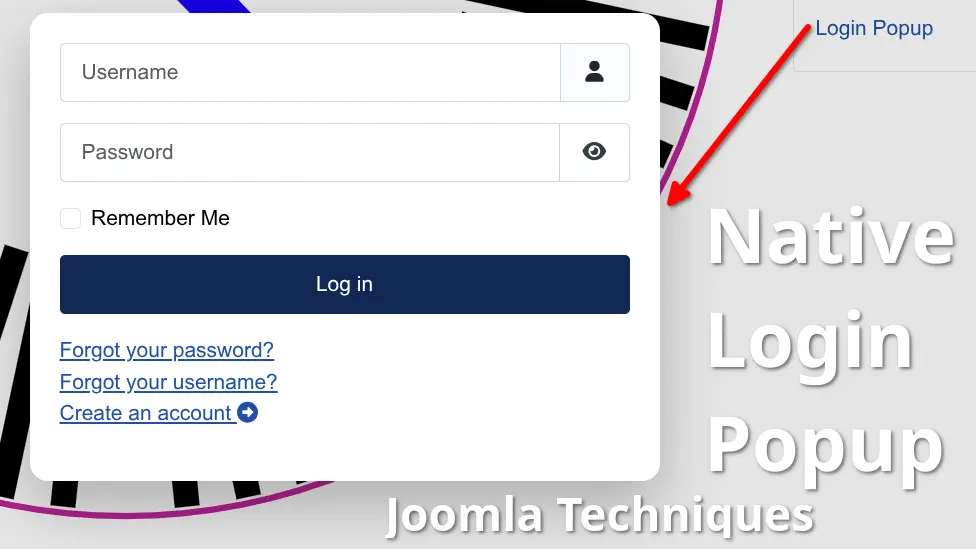
A login popup for Joomla - one that lets visitors sign in on the page they're already on, matches your site's branding, and closes the way users expect - sounds like a premium extension. It isn't. Joomla's core already provides every component needed to build a native login popup: a login module, an AJAX template helper, and the browser's own <dialog> element. Your existing module configuration controls the behavior - including where users land after login - exactly as you've set it up. No subscription, no third-party code, no additional attack surface. Just Joomla, doing what Joomla already knows how to do.
This tutorial builds it from scratch - lightweight, maintainable, and fully compatible with Joomla 4, 5, and 6.
Read more: Build a Native Login Popup Using Only Core Joomla
Add Custom Scripts or Stylesheets to a Joomla Article

If you've ever tried to add custom scripts or stylesheets to a single article in Joomla, you know the frustration. You spend time crafting the perfect JavaScript or CSS, only to have it stripped out the moment you hit save. It's a common pain point for many in website development, especially when working within a content management system like Joomla. In fact, this issue is one of the most frequently asked questions among users.
Read more: Add Custom Scripts or Stylesheets to a Joomla Article
YouTube RSS Feed Gallery

Want to display your YouTube RSS feed (channel or playlist) on your Joomla site without complex plugins or GDPR woes? This lightweight hack uses Joomla’s com_newsfeeds component, a simple template override, and my free Content - YouTube (No Cookies) plugin to create a privacy-friendly, cached video gallery that updates itself. Drop in the files, set it, and forget it—your YouTube videos stay fresh with zero maintenance!
Page 1 of 7