
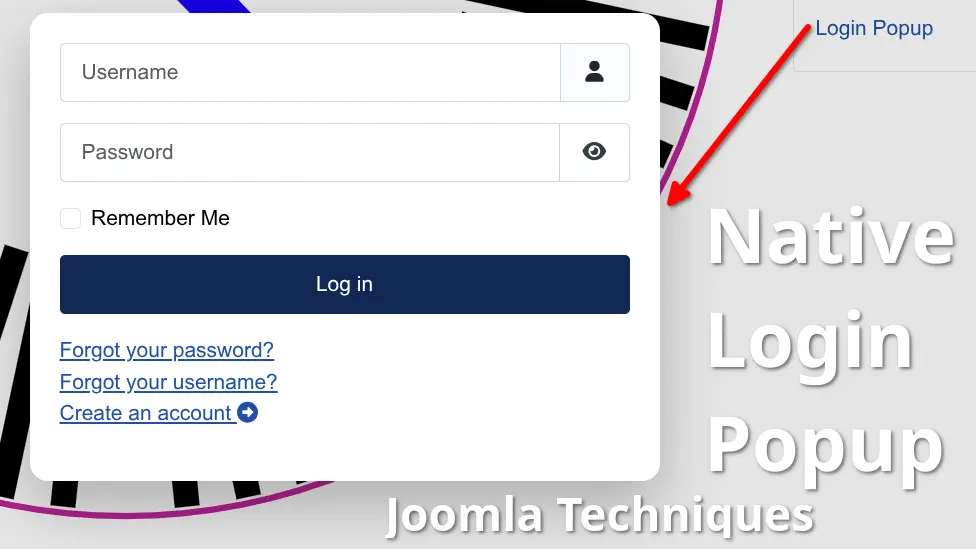
A login popup for Joomla - one that lets visitors sign in on the page they're already on, matches your site's branding, and closes the way users expect - sounds like a premium extension. It isn't. Joomla's core already provides every component needed to build a native login popup: a login module, an AJAX template helper, and the browser's own <dialog> element. Your existing module configuration controls the behavior - including where users land after login - exactly as you've set it up. No subscription, no third-party code, no additional attack surface. Just Joomla, doing what Joomla already knows how to do.
This tutorial builds it from scratch - lightweight, maintainable, and fully compatible with Joomla 4, 5, and 6.
Read more: Build a Native Login Popup Using Only Core Joomla
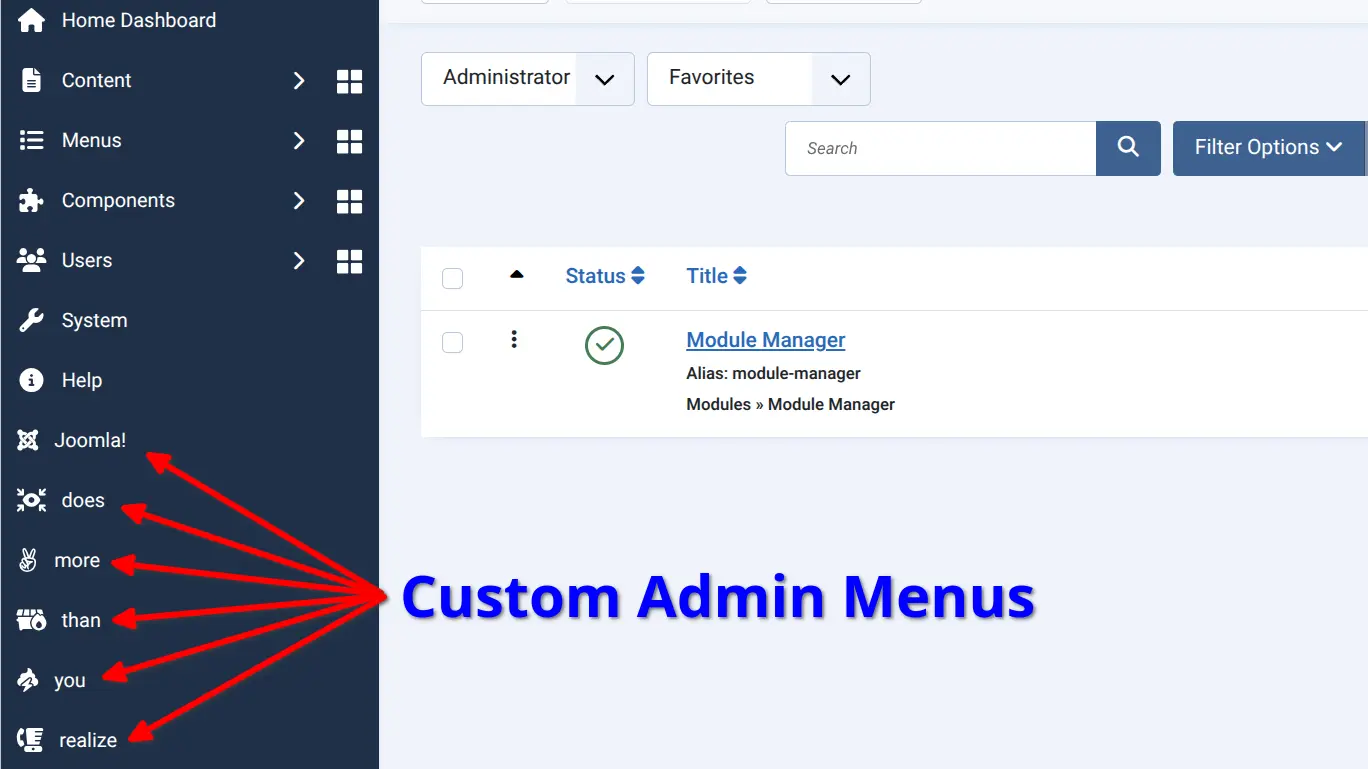
Joomla is more powerful than most people realize — including many long-time Joomla developers and advocates. Its core ships with a remarkably deep feature set that frequently goes undiscovered, solving problems that people reach for third-party extensions to address. Those extensions add weight, introduce dependency, and slow your site down. Before installing anything, it's worth asking: does Joomla already do this?
Read more: Speed Up Your Joomla Workflow with a Custom Administrator Menu
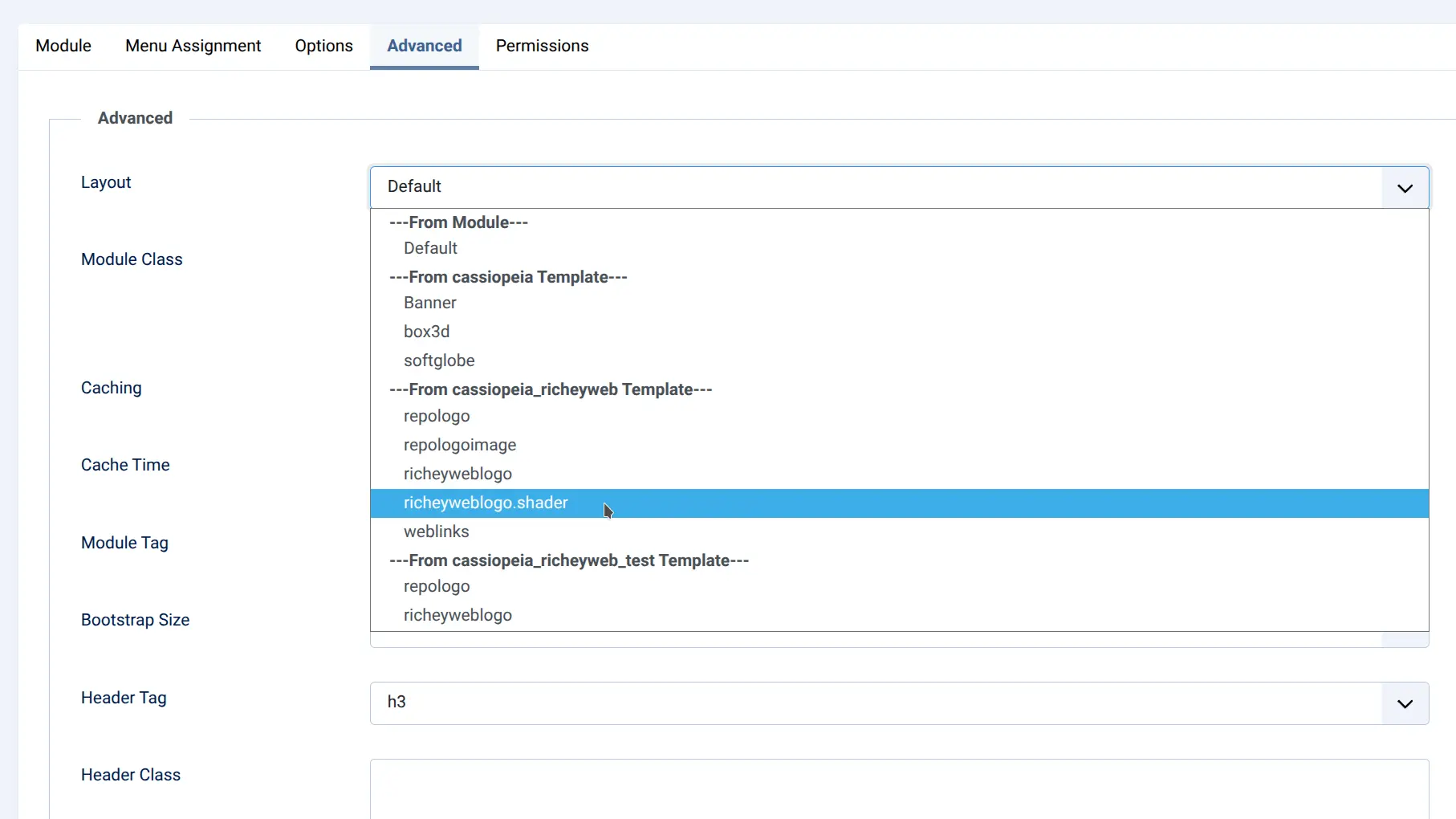
Joomla's editor strips iframe, script, and style tags. It's a security measure, and it's intentional - but it leaves a lot of legitimate use cases stranded. If you've ever pasted an embed code into an article only to find it gone on save, you know exactly what this means.
The frustrating part is that the workarounds are already built into Joomla. You don't need a paid plugin to insert an iframe, inject a script, or reuse content blocks across your site. You just need to know where to look.
Here's every legitimate way around the restriction - using tools you either already have or can get free.
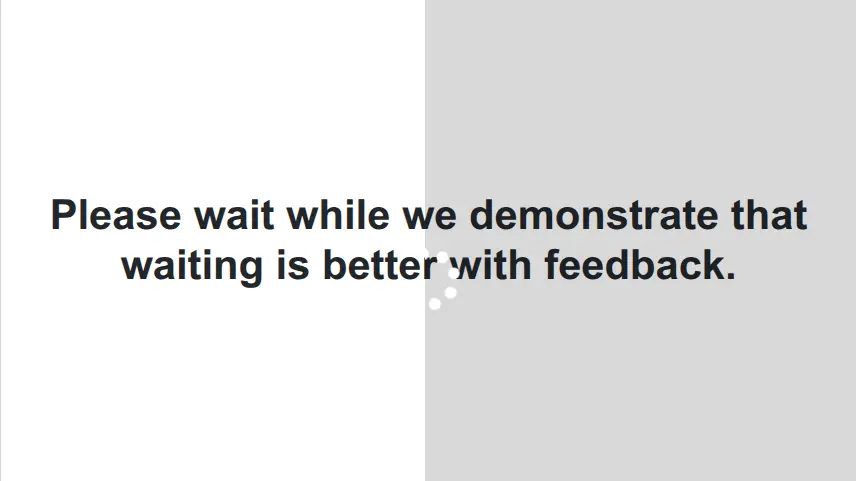
If you've spent any time watching real users interact with a Joomla site, you've probably seen it happen. They fill out a form, click submit, and then - nothing. No feedback, no spinner, no progress indicator bar, no indication that anything is happening at all. So they click again. Maybe a third time. By the time the page finally loads they've submitted the form three times, or navigated away in frustration, or simply concluded that your site is broken.
Many Joomla users want a clean Joomla header search popup instead of a bulky permanent search box that eats up valuable header real estate. A modern Joomla search popup triggered by a simple icon keeps the design sleek while giving visitors quick access to search when they need it. Best of all, it uses the web-standard Popover API. How well does it work? It's in the header above!
Read more: Build a Clean Joomla Header Search Popup in Minutes - For Free
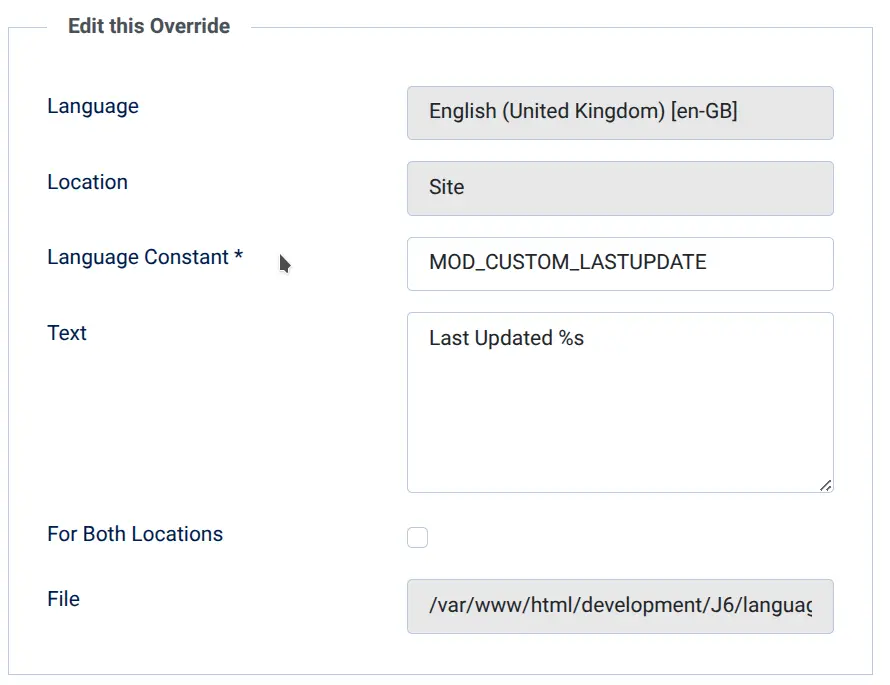
If you’ve been around Joomla for a while, you’ve probably noticed that most extensions solve problems that actually need solving, like displaying a site-wide last updated date. Some of them are genuinely complex. Others are just a bit beyond what most site owners would normally build themselves. But every now and then, you run into something that can be solved with nothing more than a single file in the right place.
Read more: Show Your Site’s Last Updated Date with a Simple Module Override

If you've ever tried to add custom scripts or stylesheets to a single article in Joomla, you know the frustration. You spend time crafting the perfect JavaScript or CSS, only to have it stripped out the moment you hit save. It's a common pain point for many in website development, especially when working within a content management system like Joomla. In fact, this issue is one of the most frequently asked questions among users.
Read more: Add Custom Scripts or Stylesheets to a Joomla Article

Want to display your YouTube RSS feed (channel or playlist) on your Joomla site without complex plugins or GDPR woes? This lightweight hack uses Joomla’s com_newsfeeds component, a simple template override, and my free Content - YouTube (No Cookies) plugin to create a privacy-friendly, cached video gallery that updates itself. Drop in the files, set it, and forget it—your YouTube videos stay fresh with zero maintenance!